
Assistive Technology: A Guide for Older Adults
Are there activities or tasks that you would like to be able to do more easily or independently? If you answered “yes,” then assistive technology may be the solution! There are many tools available—often called “assistive technology” or “AT”—that help older adults stay independent at home and engaged in their communities.
What Is AT?
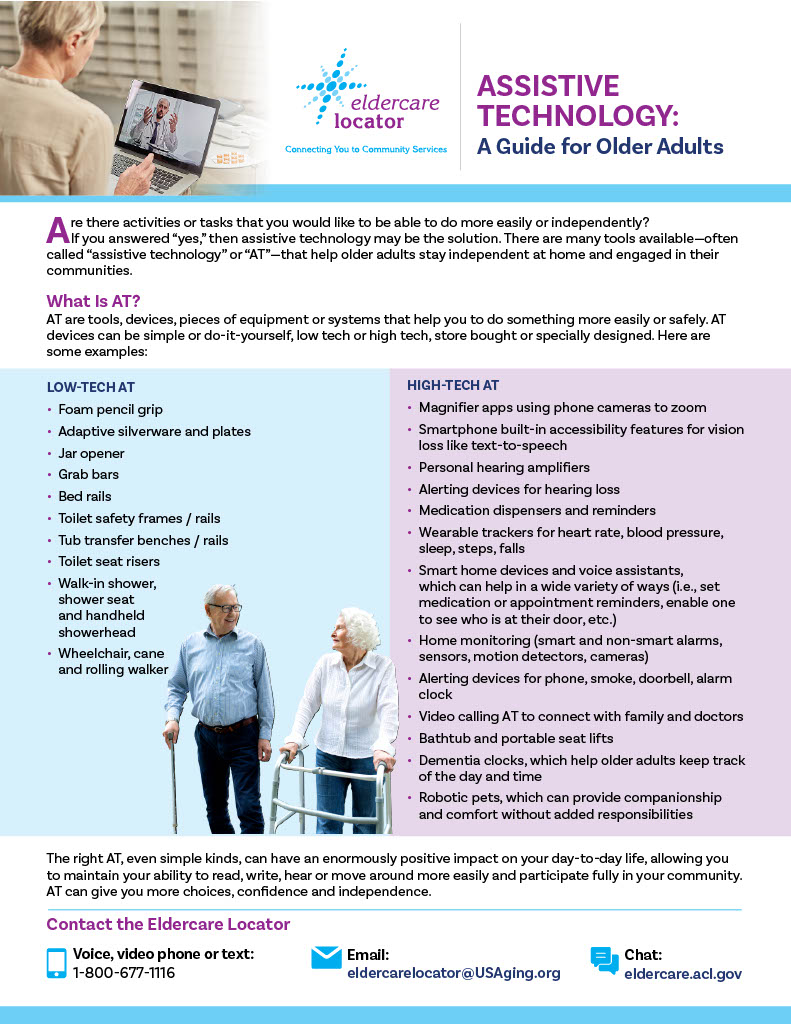
AT are tools, devices, pieces of equipment or systems that help you to do something more easily or safely. AT devices can be simple or do-it-yourself, low tech or high tech, store bought or specially designed. Here are some examples:
| Low-Tech AT | High-Tech AT |
|
|
Do I Really Need AT?
Choosing to use an AT device is a uniquely personal decision. People can have many negative perceptions about using AT—a person may feel that they’ve lost their independence, that they are no longer themselves, that they are drawing attention to a limitation, or that others will think they can’t manage on their own. Other concerns are related to operating or affording a device.
However, the opposite is true. AT helps a person maintain their independence, continue to participate in the activities they love and manage without the help of others. Many devices are simple to install or operate and can be quite affordable. As for drawing unwanted attention, think about this: AT is everywhere and used by people of all ages and abilities. AT is built into our computers and smartphones—spellcheck, GPS and voice-to-text dictation are all assistive technology! So…do you know anyone who is not using AT today?
|
Three Questions to Ask Yourself When Considering AT
1. Is there something I enjoy doing—or want to continue doing—that has become more challenging?
EXAMPLE: I enjoy going to lunch with friends, but hearing loss has made it difficult to follow conversations, so I’ve started turning down invitations. 2. Could assistive technology help me continue doing this activity? EXAMPLE: Hearing aids or other hearing-assistive technologies could help me follow conversations more easily and feel more comfortable socializing. 3. Could this solution improve my quality of life? EXAMPLE: Yes! I could reconnect with friends, participate more fully in conversations and continue enjoying the social connections that matter to me. |
How to Find AT
- Think about your needs. What is the challenge that you want to address? The three questions outlined above can be helpful in this process.
- Reach out to your local Area Agency on Aging (AAA). AAAs, which serve older adults in every community across the country, can help you identify AT solutions that meet your needs. They also provide many other vital services, such as transportation, meals, in-home support and caregiver assistance.
- Share your needs with your AAA. Your local AAA will guide you in choosing the type of AT that could be right for you. They may refer you to local, state or federal programs that provide different kinds of AT. There is also a federally funded AT Act Program in every state that can help you find the items you need.
- Ask about additional AT support. Ask about demonstrations or loans of devices, as well as about setup and training. State AT programs provide demonstrations and short-term device loans that can help you make an informed decision.
|
Contact the Eldercare Locator to Find Your AAA
If you are having difficulty identifying your local AAA or state AT Act Program, contact the Eldercare Locator, where trained staff are available to connect you with an Area Agency on Aging to find local AT solutions.
The Eldercare Locator is funded by the U.S. Administration for Community Living. Visit eldercarelocator.acl.gov for more details.
|
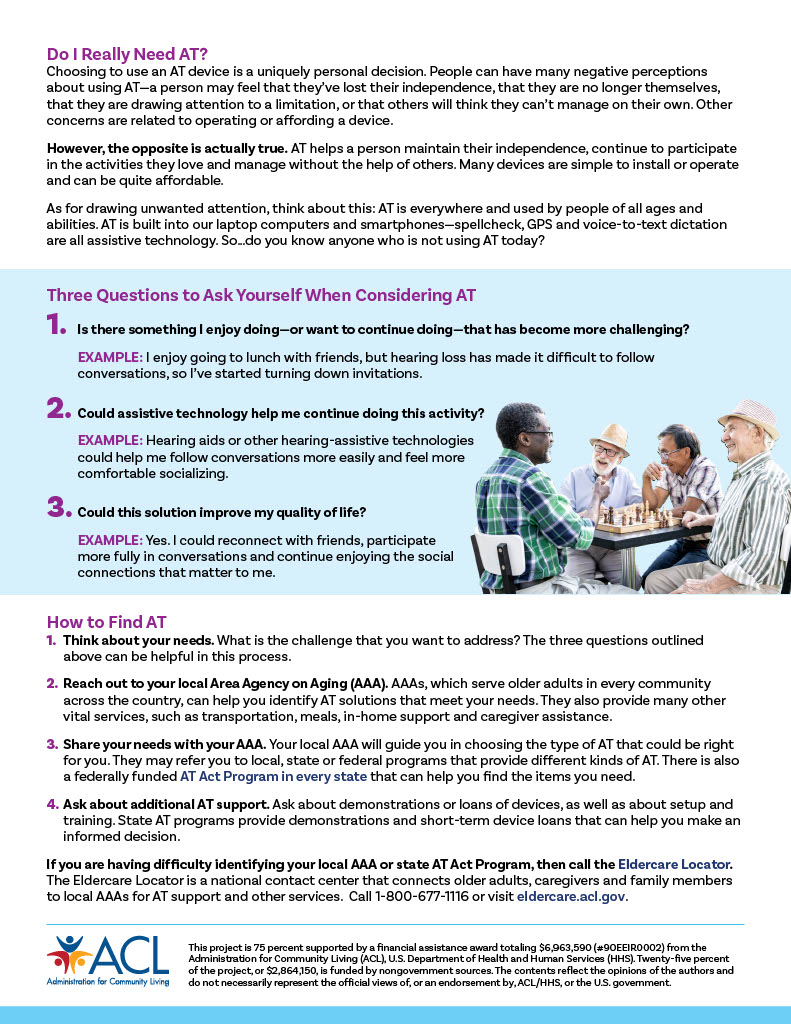
Would you like to share the information on this web page with a friend or family member? We have put it all in this easy-to-download Consumer AT Fact Sheet for you to do just that!
Additional Resources
State AT Act Program: Every state has an AT Act Program that can help you find the right device or solution. Find the AT Act Program in your state or territory. Your local AT Act Program can:
- Give you free information.
- Demonstrate and let you try out devices.
- Lend you equipment to test at home or in the community.
Telecommunications Equipment Distribution Program Association: Find a state program that distributes specialized telecommunication equipment for people with disabilities. This typically includes phones for blind or low-vision individuals, or for cognitive, speech or motion disabilities.
National Deaf-Blind Equipment Program | iCanConnect: iCanConnect provides free equipment and training for people with both significant hearing and vision loss who meet the program’s disability and income eligibility guidelines. This may include accessories such as specialized keyboards or headsets, Braille devices, large computer monitors, specialized mobile phones and more.
Special thanks to Eldercare Locator partner ATAP AT3 Center for their contributions to Home for the Holidays 2026. The AT3 Center facilitates the coordination of state and territory AT Act Programs nationally and provides technical assistance and support to its members.